





Find it
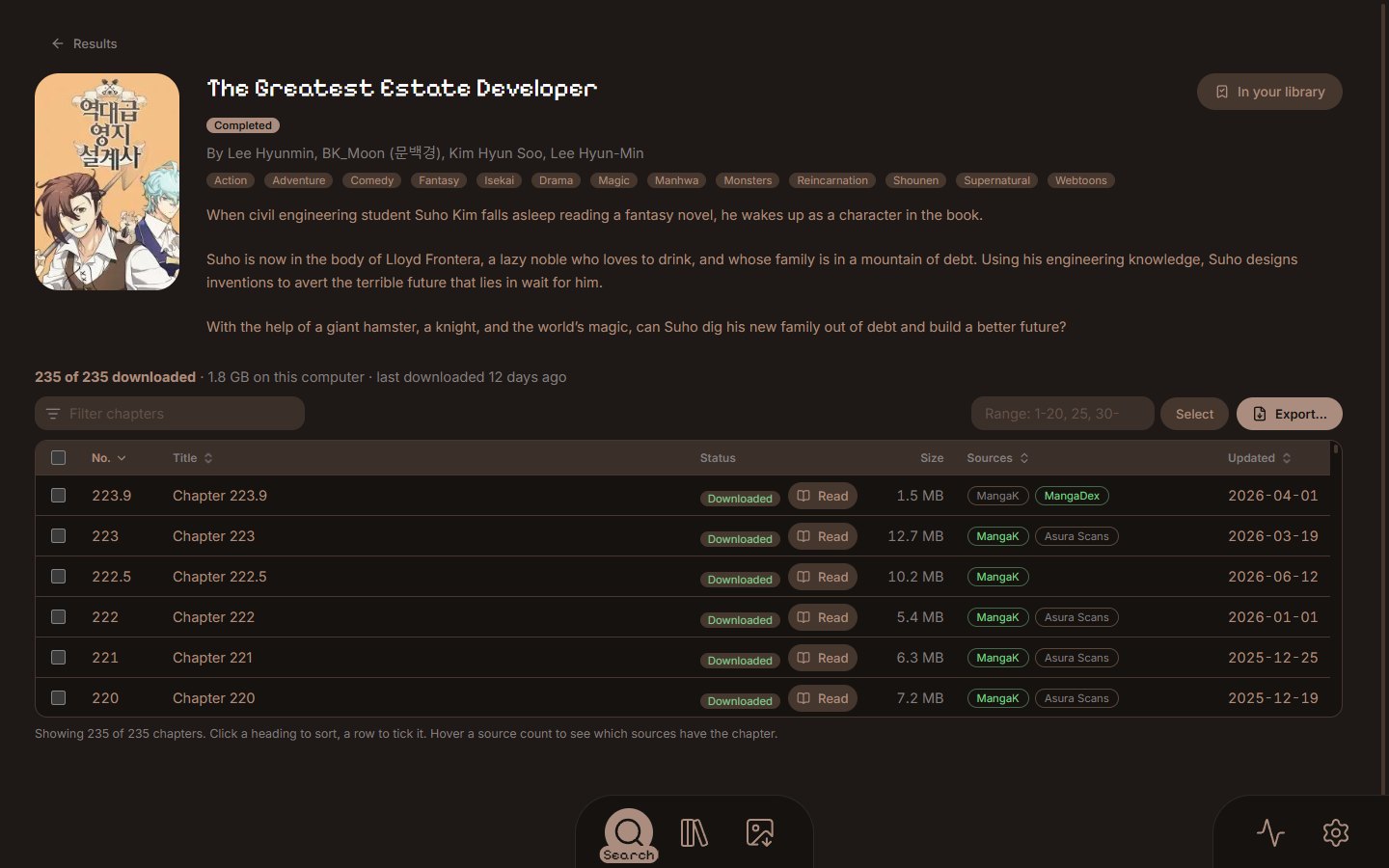
Type a title and every source you installed is asked at once. The same series from several sources becomes one card.
 MangaPoint
The easiest way to get manga onto your e-reader.
Search, download, read, crop and convert in one app, then send it to your device. Or read your own books in the browser, on any computer or phone.
Free and open source · Windows, macOS, Linux and the web

Getting manga onto an e-reader used to be a long chain of chores: find a site, save hundreds of pages, crop, resize, convert, copy. MangaPoint does all of it, in one app.
Type a title and every source you installed is asked at once. The same series from several sources becomes one card.

Pick chapters, or type a range like 1-20, 25, 30-. Downloads pick up where they stopped, and a failed page is tried on another source.

Your library keeps every series with its cover and your place, and Continue opens the reader where you stopped.

Pages are made for your reader's own screen, then go to a folder, a USB drive or SD card, or over Wi-Fi.
Open a series to see every chapter from all its sources merged into one list, with the sources that have each one and any gaps flagged. Filter it, sort it, or type a range, and add them to the downloads.
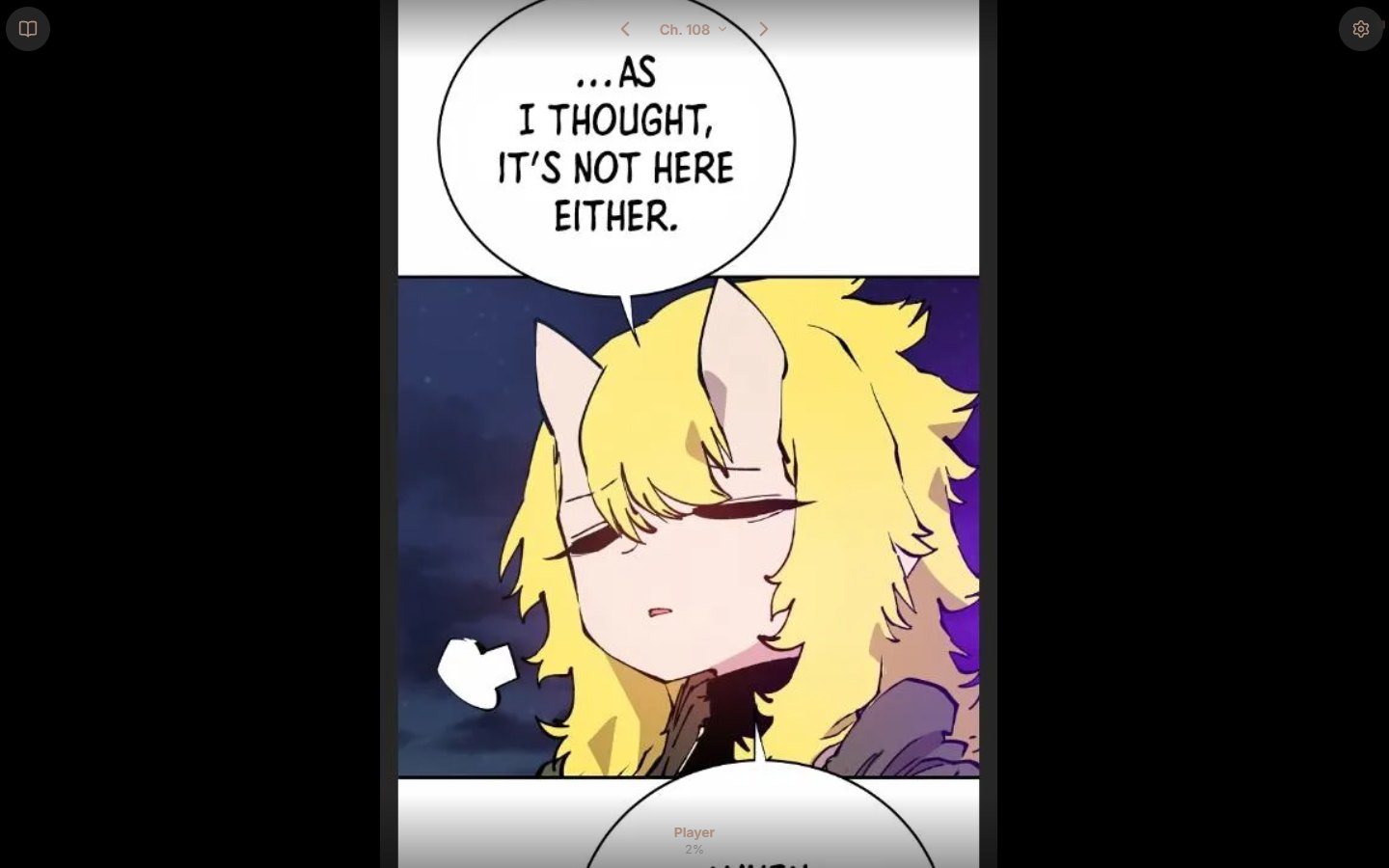
Downloaded and imported series open in MangaPoint's own reader: a chapter is one long strip at a width that suits the window, with the chapter picker at the top, Previous and Next at the end, and zoom that keeps your place.
Pages are made at your reader's exact size and density, so nothing is scaled again on the device. A live preview shows the page as downloaded next to the page made for your reader.
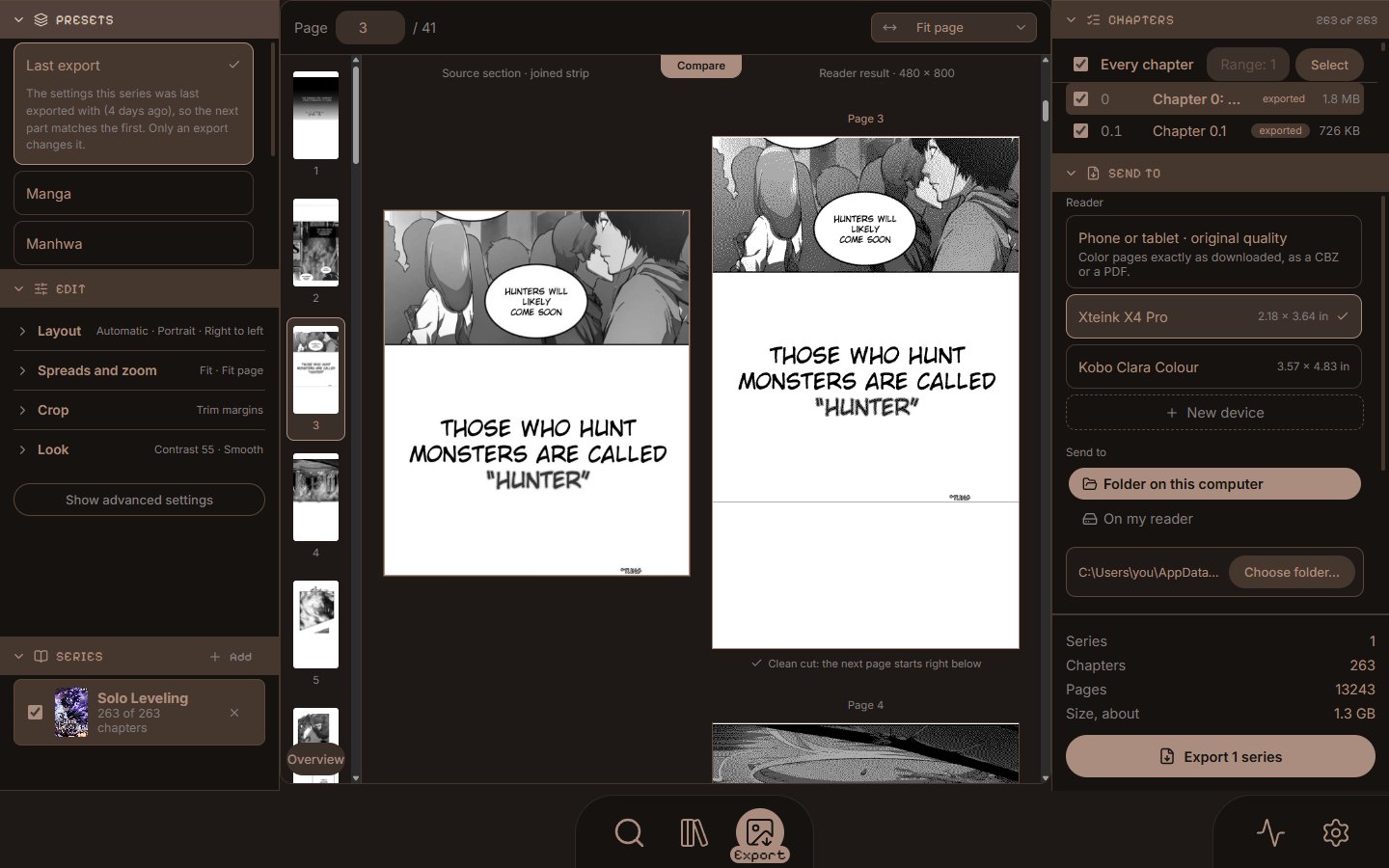
Built for the Xteink readers, with standard EPUB files for Kindle, Kobo, Boox, PocketBook and reMarkable, and CBZ for the readers that open it. A catalog of 29 readers comes with their screens and formats, and you can add your own by its size.
The MangaPoint website reads and exports the books you already have, in any browser, on a computer, a tablet or a phone. It works like the app: the same Library, reader and Export screen. It does not search or download manga; the desktop app does.
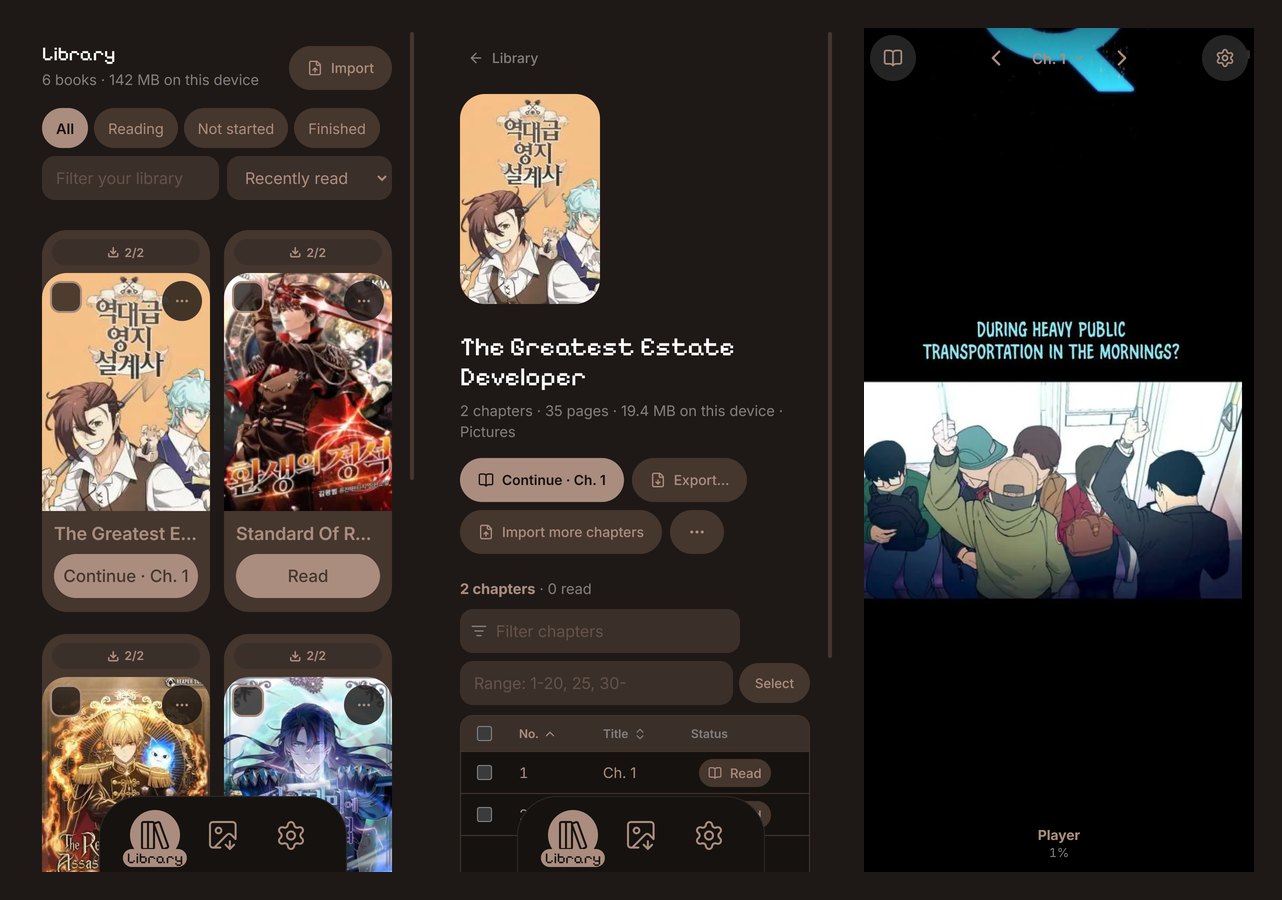
Everything runs on your computer, or in your browser on the web. There is nothing to sign up for, and nothing you read is sent anywhere. MangaPoint is free and open source under the MIT license.
See the code on GitHubThe latest version, free.
Windows 10 and 11, 64-bit
Installer Portable programInstalls without asking for administrator rights. Needs the WebView2 runtime, which Windows 11 has.
Apple silicon and Intel
Apple silicon IntelNot signed yet, so macOS asks the first time. How to open it.
64-bit
Debian, Ubuntu (.deb) Fedora, openSUSE (.rpm) Any other LinuxEvery release has SHA256SUMS.txt to check your download. All files and release notes.